
Go Beyond Chat.
Work Directly with Primary Sources
A tool for reading, listening, translating, and writing — with privacy-conscious AI that shows where its answers come from.
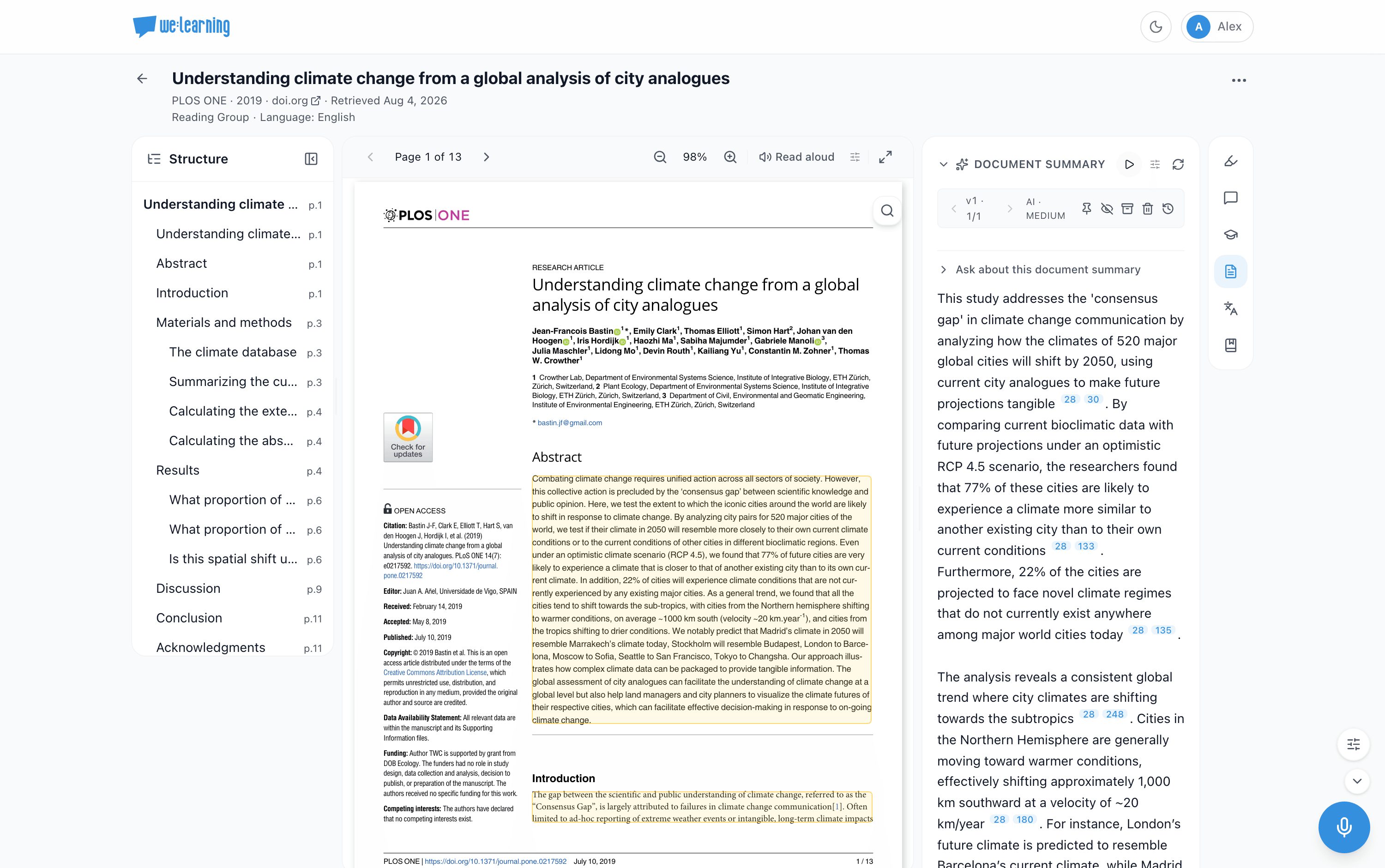
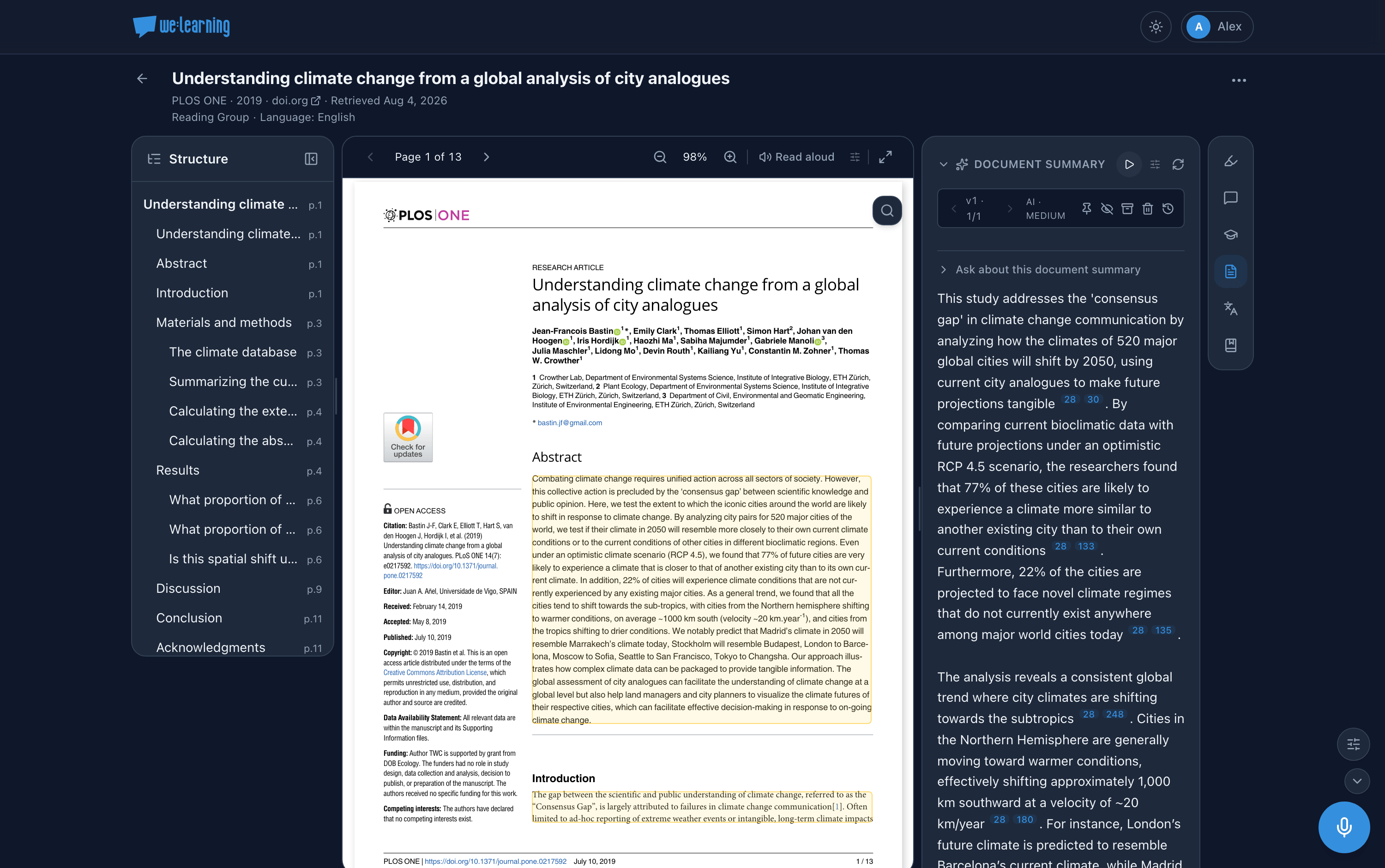
Work with sources from start to finish
Bring in a single link or an entire book — and work with it in your language.
Documents, books, links & audio
Upload PDFs and whole books, paste a link to import a web page, bring in podcasts and recordings with transcripts, or search academic indexes and open textbooks from inside the app.
Structured reader
Navigate long material by sections, chapters, and passages in a reader designed for focused work.
Summaries & explanations
Summaries and plain-language explanations, linked to source passages for verification.
Questions in context
Ask about specific passages or summaries to receive answers anchored to your material within the reading view.
Listen to your sources
Convert documents and summaries to audio with natural voices, read-along highlighting, and adjustable speed; listen to recordings and podcasts with synced transcripts.
Read in your language
Translate text alongside the original while reading. Save words to a glossary for later practice; the app supports 42 languages.
Check your understanding
Questions generated from your material, with answers verified against it.
Write from your sources
An editor for writing about your sources. AI suggestions appear as tracked changes you can accept, reject, edit, or revise; generated claims cite supporting passages.
Shared workspaces
Work individually or collaboratively using shared workspaces for common sources and outputs.
AI help you can account for
Journals and examination offices may require documentation of AI use. we:learning keeps that record as you write.
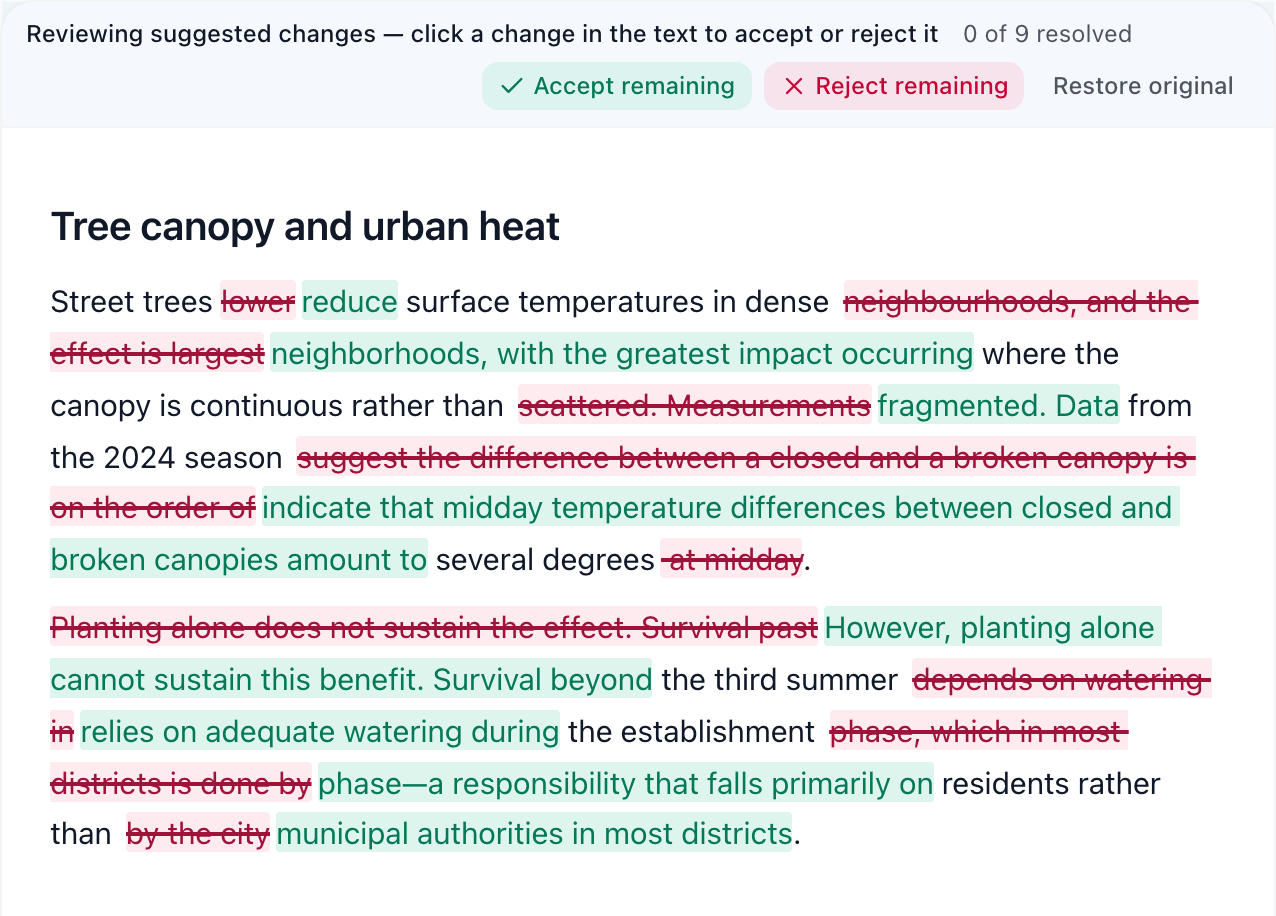
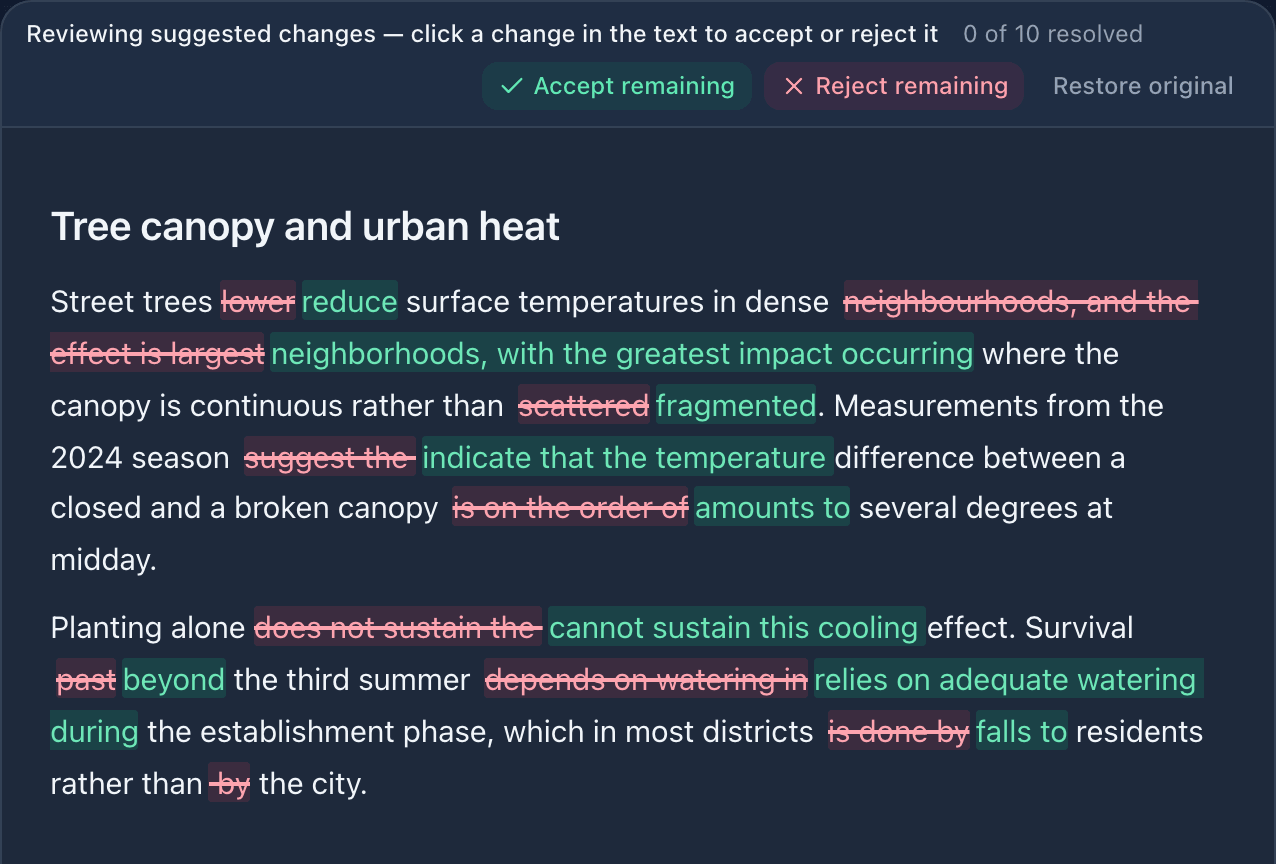
Every suggestion is a tracked change
The AI does not edit text directly. Suggestions appear as visible changes, and your decisions—accepted, rejected, or reworded—are recorded.
Citations point to real passages
AI-generated text cites source paragraphs. These citations remain in the document and link to the source.
A record of AI use
Which tool and model were used, what was requested, what was retained — collected as you write, and exportable if a journal or examination office asks.
From upload to understanding
A simple, repeatable process: set up once, then work through your material.
Create a workspace
Set up a space for a project, course, reading group, or personal research.
Add your sources
Upload PDFs or whole books, paste a link, add podcasts and recordings, or search academic sources.
Summarize, explain & listen
Generate summaries and explanations and convert them to audio.
Ask, check & write
Ask contextual questions, test understanding, and write drafts with tracked AI changes and citations linking to sources.
Built to be trusted with your material
we:learning is designed for people handling sensitive or important documents.
EU-based hosting
Hosted on infrastructure in Germany; AI processing uses EU-based providers.
Answers you can trace
Summaries and answers stay linked to the exact source passages, so they can be verified.
Your data, your rights
Export, correct, or delete your data through your account. Our privacy page states plainly what happens with your material — no ads, no profiling.
Start working with your sources
Create a workspace and import your first document or book.
Questions or feedback? Write to info@we-learning.org.